Your backing tracks, organized
Keep every part of the song together and quickly adjust what your current team needs.
LiveCurrent Beta features
Load your songs, build the setlist, rehearse, and press Play without turning Sunday into a technical project.
Bring the songs in
Load backing tracks from your favorite provider or import an Ableton Live Set another musician already prepared. LiveCurrent brings the song into a clear workspace so you can make it fit your team.
Keep every part of the song together and quickly adjust what your current team needs.
Carry supported songs, sections, timing, loops, and track settings into LiveCurrent instead of starting over.
Adjust the pace, key, arrangement, and track levels whenever Sunday calls for something different.
Keep prepared song templates available on the same computer for future services.
Arrange the service
Divide songs into Intro, Verse, Chorus, Bridge, Instrumental, Outro, and the sections your team actually uses. Arrange multiple songs in service order, then keep the full program and every detailed song timeline available.
Build and label the arrangement in language your musicians already use.
Place songs in order, save the session, and return to the prepared service later.
Keep useful musical and performance information near the moment where the team needs it.
Share setlists and song arrangements with worship leaders, music directors, and anyone helping plan the service.
Rehearse what matters
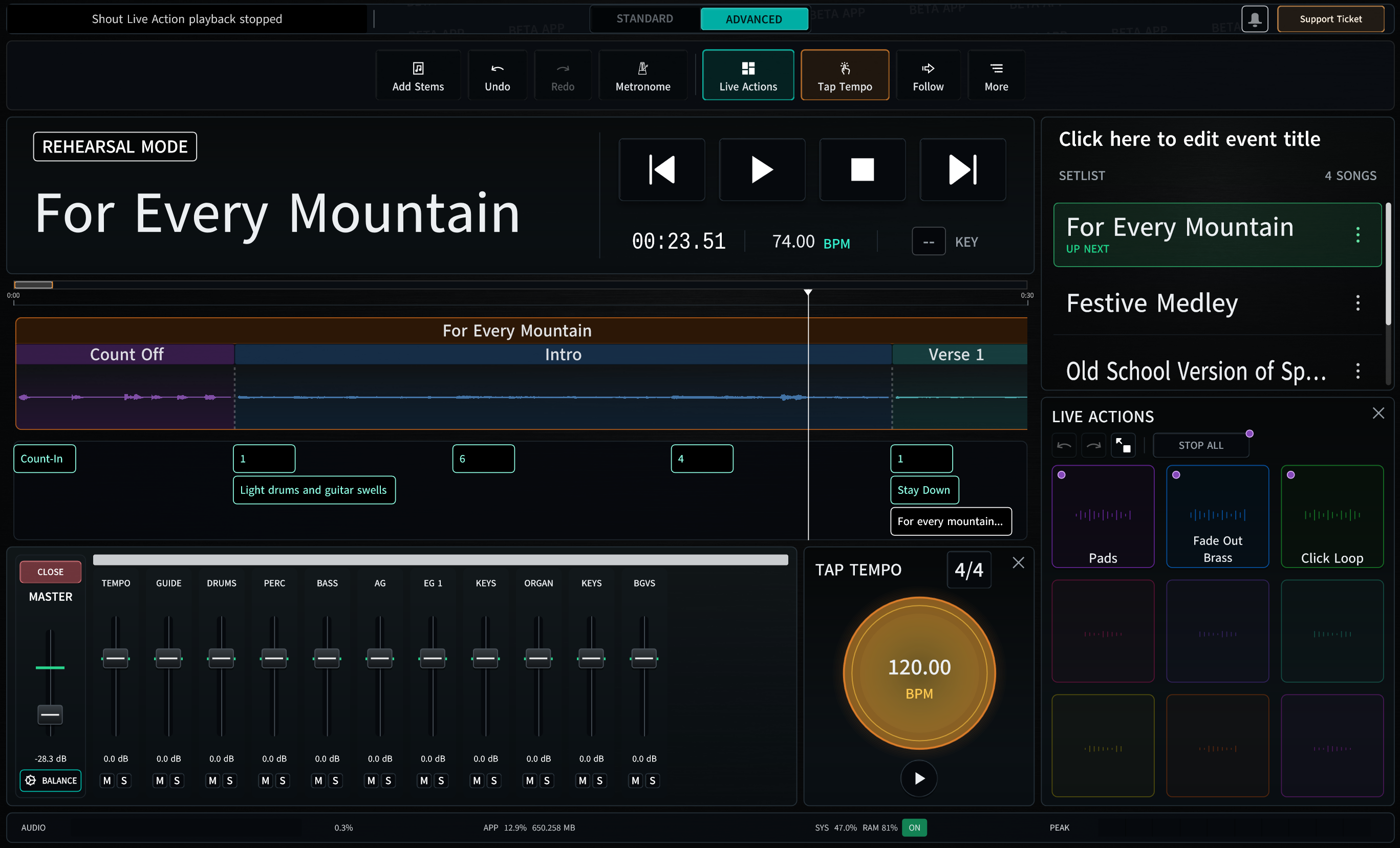
Open a song's local timeline, jump to a section, loop a difficult passage, and make arrangement changes while everyone is in the room.
Move to a verse, return to a chorus, or skip ahead using behavior you configure for the song.
Repeat a passage for rehearsal and preserve the loop when the song returns to the full program.
Keep the built-in click and song timing aligned while your team rehearses and plays.
Use the computer keyboard or a MIDI controller for quick access to the actions you use most.
Move from preparation to performance
Rehearsal Mode keeps editing available while your team prepares. Go Live clears away distractions, limits risky actions, and keeps the controls you need for a calmer Sunday experience. Live Triggers keep extra audio moments ready without cluttering the main setlist.
Start with one song